
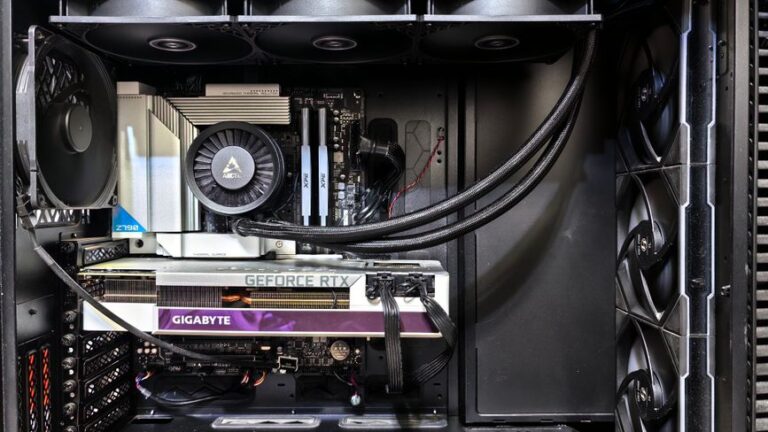
In the world of gaming, having the right setup can significantly enhance your experience. Building your own gaming PC not only allows you to customize your device according to your preferences but also gives you a deeper understanding of how computer components work together. This guide will walk you through the essential steps to build your dream gaming PC, from selecting the right components to assembling them.
Choosing the Right Components
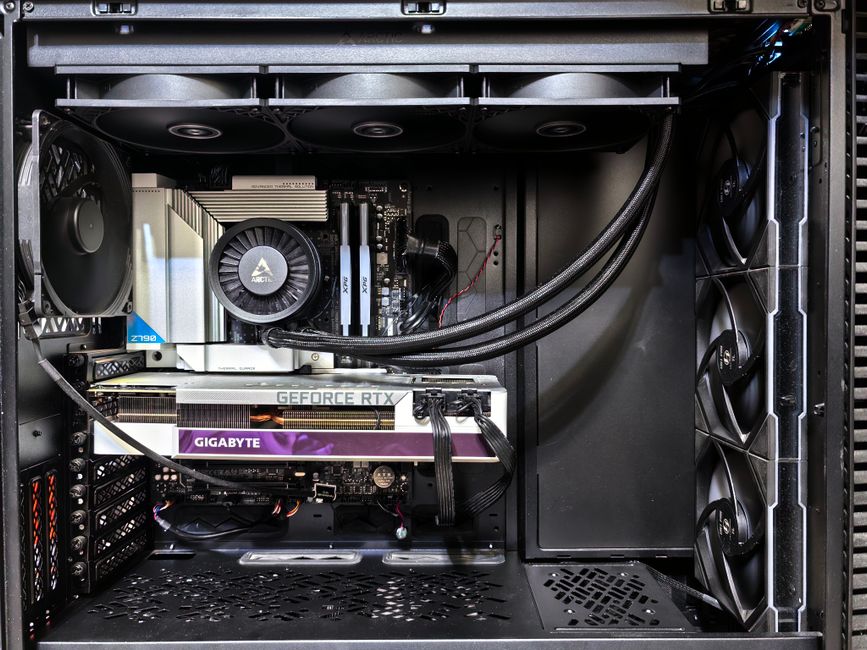
The first step in building a gaming PC is selecting the right components. The key components you will need include the CPU, GPU, motherboard, RAM, storage, and power supply. Each of these parts plays a crucial role in the performance of your gaming rig.
When it comes to the CPU (Central Processing Unit), you have options from Intel and AMD. Intel’s latest i9 processors are known for their high clock speeds, while AMD’s Ryzen series offers excellent multi-threading capabilities, which can be beneficial for gaming and other tasks.
Next up is the GPU (Graphics Processing Unit), which is arguably the most important component for gaming. Brands like NVIDIA and AMD dominate the market, with NVIDIA’s RTX series providing superior performance in ray tracing and AI-based tasks. It’s essential to choose a graphics card that fits your gaming needs and budget.
Understanding Compatibility
Once you’ve selected your components, the next step is ensuring compatibility. Not all CPUs fit all motherboards, and the same goes for RAM. Check the specifications of each component to guarantee they can work together seamlessly. Websites like gaming PC builder can help you verify compatibility and even suggest builds based on your preferences.
Pay special attention to the motherboard; it is the backbone of your PC. Ensure it has enough slots for all your components and that it supports the features you want, such as Wi-Fi connectivity or multiple GPU setups.
Moreover, don’t forget about case size. Ensure that your chosen components fit within your case, especially if you opt for larger GPUs or cooling solutions.
Assembling Your Gaming PC
With all your components selected and compatibility confirmed, it’s time to assemble your gaming PC. Start by installing the CPU onto the motherboard, followed by the RAM and cooler. Then, place the motherboard into the case, securing it with screws.
Next, install the power supply in the case, followed by the storage drives, whether they are SSDs or HDDs. Finally, install the GPU and connect all power cables. This is where organization matters; keep cables tidy to improve airflow and aesthetics.
Once everything is in place, double-check your connections before powering on the system. If everything is connected correctly, you should hear the fans spin up and see lights on your motherboard.
Installing the Operating System and Drivers
After successfully assembling your gaming PC, the next step is to install the operating system. Most gamers prefer Windows due to its vast library of games and compatibility with various gaming peripherals.
To install Windows, you can use a USB drive or disc. Once the OS is installed, don’t forget to install the necessary drivers for your GPU, motherboard, and peripherals. This ensures that your hardware runs smoothly and takes full advantage of its capabilities.
Additionally, consider installing software for monitoring temperatures and performance metrics. This will help you keep an eye on your system’s health and performance during intense gaming sessions.
Optimizing Your Gaming Experience
Once your gaming PC is up and running, it’s time to optimize your gaming experience. Adjust settings in your games to achieve a balance between performance and graphics quality. Many modern games come with preset options for low, medium, and high settings, which can help guide you.
Furthermore, consider overclocking your CPU and GPU for enhanced performance. However, ensure you have adequate cooling solutions in place to prevent overheating. Monitoring software can assist in keeping track of temperatures during gameplay.
Finally, don’t forget about regular maintenance. Dust can accumulate inside your PC over time, affecting performance and cooling. Periodically clean your components and check for software updates to ensure a smooth gaming experience.
Conclusion
Building your own gaming PC can be a rewarding experience that not only enhances your gaming but also provides a sense of accomplishment. By carefully selecting compatible components, assembling them correctly, and optimizing your system, you can create a powerful machine tailored to your gaming needs. With the right approach and resources, such as a gaming PC builder, anyone can build their dream gaming rig and enjoy countless hours of immersive gameplay.
